JD TITAN GCash Deposit: How to Load Your Wallet and Troubleshoot Errors
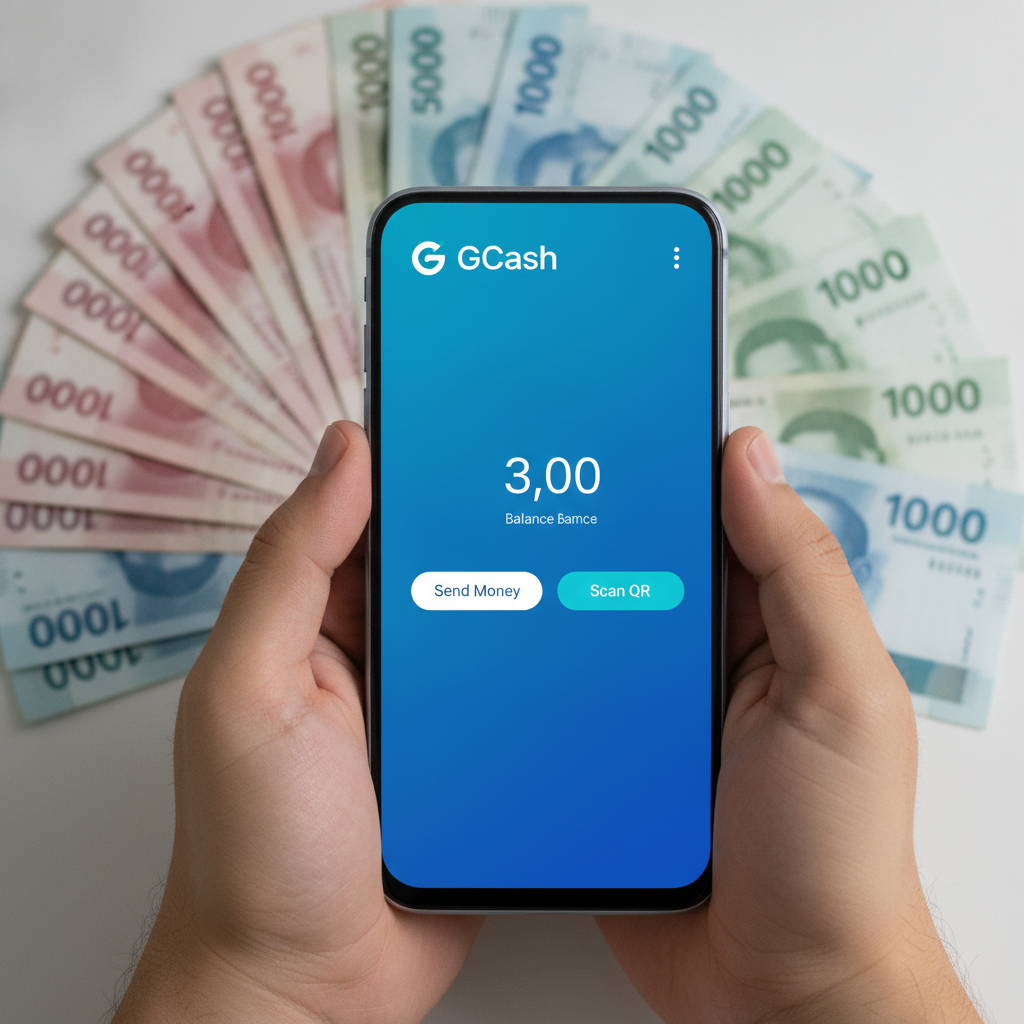
Step-by-Step: Deposit from GCash into Your JD TITAN Account
GCash is one of the most popular ways to load your JD TITAN wallet. Here's how to complete a deposit from your GCash account:
- Log in to your JD TITAN account on your phone or browser.
- Tap the Deposit button in the main menu or account section.
- Select GCash from the list of payment methods.
- Enter the amount you want to deposit in Philippine pesos. Make sure it falls within the allowed minimum and maximum limits (covered below).
- Confirm the transaction. You'll be redirected to the GCash payment gateway or shown a QR code, depending on JD TITAN's current integration.
- Complete the payment in GCash. If you're redirected, log in to your GCash account and authorize the payment. If you're shown a QR code, open the GCash app, tap "Scan QR," and scan the code on your screen.
- Wait for confirmation. After completing the payment in GCash, you should see a success screen. Return to the JD TITAN app or site to check your updated balance.
- Check your JD TITAN wallet. Your deposit should appear in your account balance within a few minutes. If it doesn't, see the troubleshooting section below.
Keep your GCash transaction reference number or screenshot until you confirm the funds have arrived in your JD TITAN account. This will help if you need to contact support.
Minimum and Maximum GCash Deposit Limits
JD TITAN sets deposit limits to accommodate a wide range of players. Here's what you can typically expect when depositing via GCash:
- Minimum deposit: PHP 100. This is the lowest amount JD TITAN accepts per transaction, which suits players making smaller, casual bets.
- Maximum deposit: Limits vary depending on your account status and verification level. New or unverified accounts may have lower maximums, while fully verified players often have higher limits—sometimes PHP 10,000 or more per transaction.
If you're planning to deposit more than PHP 5,000 at once, complete your ID verification in advance. This can help avoid transaction declines or requests for additional documentation.
GCash also has its own limits:
- Standard GCash accounts (without full verification) have monthly transaction caps.
- Fully verified GCash accounts have higher limits for sending money and paying merchants.
If your GCash deposit is declined even though JD TITAN's limits allow it, check your GCash wallet's transaction history and available balance. You may need to verify your GCash account or top up your wallet.
How Long It Takes for GCash Deposits to Reflect in Your JD TITAN Balance
Most GCash deposits into JD TITAN are processed instantly or within a few minutes. Here's the typical timeline:
- Instant to 5 minutes: The majority of successful GCash deposits appear in your JD TITAN wallet within this window.
- 5 to 15 minutes: Occasional delays may occur during peak hours, weekends, or when GCash or JD TITAN's payment gateway is experiencing high traffic.
- 15 minutes to 1 hour: If your deposit hasn't appeared after 15 minutes, it's considered delayed. Check your GCash transaction history to confirm the payment went through, then contact JD TITAN support with your transaction reference number.
Deposits that take longer than one hour are rare and usually indicate a technical issue or a mismatch between the payment gateway and JD TITAN's system. Don't attempt a second deposit until you've confirmed the status of the first one—duplicate payments can complicate the resolution process.
What to Do If Your GCash Deposit Fails or Money Is Deducted but Not Credited
Payment issues happen. Here's how to troubleshoot the most common GCash deposit problems with JD TITAN:
Your GCash Deposit Was Declined or Failed
If the transaction fails before completion, your money should remain in your GCash wallet. Check these potential causes:
- Insufficient GCash balance. Open the GCash app and confirm you have enough funds to cover the deposit amount plus any fees.
- GCash transaction limit reached. If you've hit your daily or monthly cap, wait until the next period or verify your GCash account to increase limits.
- Incorrect deposit amount. Make sure the amount you entered in JD TITAN falls within the PHP 100 minimum and your account's maximum limit.
- Weak internet connection. A dropped connection during the payment authorization can cause the transaction to time out. Switch to a stronger Wi-Fi network or mobile data and try again.
- Maintenance or downtime. Occasionally, GCash or JD TITAN's payment gateway undergoes scheduled maintenance. Check GCash's official social media or website for announcements, and try again after the maintenance window.
If the deposit continues to fail after checking the above, try logging out of both JD TITAN and GCash, then log back in and attempt the deposit again. Clearing your browser cache or updating the JD TITAN app can also help.
Money Was Deducted from GCash but Not Credited to JD TITAN
This is the most frustrating scenario: your GCash balance decreased, but your JD TITAN wallet didn't update. Here's what to do:
- Wait 15 to 30 minutes. Sometimes the delay is on the payment processor's end, and the funds will appear shortly.
- Check your GCash transaction history. Open the GCash app, go to your transaction history, and confirm the payment to JD TITAN went through. Take a screenshot showing the date, time, amount, and reference number.
- Check your JD TITAN transaction history. Log in to JD TITAN and go to the transaction or deposit history section. See if the deposit is listed as "pending" or "processing."
- Contact JD TITAN customer support. Use the live chat, email, or support form on the JD TITAN site. Provide:
- Your JD TITAN account username or ID
- The GCash transaction reference number
- The amount and time of the deposit
- A screenshot from your GCash transaction history
- Do not make another deposit until the missing funds are resolved. Submitting multiple deposits can make it harder for support to trace the issue.
In most cases, JD TITAN's support team will manually credit your account within a few hours once they verify the GCash transaction. If the issue is on GCash's side, they may advise you to contact GCash customer service as well.
The Deposit Shows as "Pending" in JD TITAN
If your deposit status is stuck on "pending" for more than 30 minutes, it usually means the payment gateway is waiting for confirmation from GCash. Contact JD TITAN support with your transaction details. They can check the status on their end and escalate the issue if needed.
You Were Charged Twice
Accidental duplicate charges can happen if you tap "confirm" multiple times or refresh the payment page. Check both your GCash and JD TITAN transaction histories to see if both payments went through. If only one deposit appears in JD TITAN but two charges appear in GCash, contact support immediately. Provide both GCash reference numbers and request a refund for the duplicate transaction.
Fees for GCash Deposits
JD TITAN typically does not charge a fee for GCash deposits. However, GCash may apply a small convenience fee depending on your account type and the transaction. Check the final amount displayed in the GCash app before confirming the payment. If you see an unexpected fee on the JD TITAN side, contact their support team to clarify their current fee policy.
Tips for Smooth GCash Deposits
- Verify your GCash account to increase transaction limits and reduce the chance of declined payments.
- Keep your JD TITAN account verified. Upload a valid government ID and proof of address if you haven't already. Verified accounts often have higher deposit limits and faster support responses.
- Deposit during off-peak hours (late morning or early afternoon on weekdays) to avoid processing delays.
- Double-check the deposit amount before confirming. Incorrect amounts can trigger security flags or put the transaction in manual review.
- Save screenshots of every transaction until the funds arrive in your JD TITAN wallet.
21+ Only and Responsible Gambling Reminder
JD TITAN is strictly for players aged 21 and above. Online gambling should be a form of entertainment, not a way to make money or solve financial problems. Set a budget before you deposit, stick to it, and never chase losses. If you feel your gambling is becoming a problem, seek help from a counselor or support organization. GCash and other e-wallets make it easy to deposit quickly—use that convenience responsibly.
This is an independent guide. JD TITAN's processes, limits, and fees may change. Always check the official JD TITAN site or contact their support team for the most current information.