JD TITAN GCash Withdrawal: Step-by-Step Guide and Processing Time
JD TITAN GCash Withdrawal: Step-by-Step Guide and Processing Time
Cashing out your JD TITAN winnings to GCash is one of the fastest e-wallet withdrawal options available to Filipino players. This guide walks through the exact steps to request a GCash cashout, explains how long the money typically takes to arrive, covers withdrawal limits, and troubleshoots common errors that can delay or block your transaction.
How to Request a GCash Cashout from JD TITAN
Follow these steps to withdraw funds from your JD TITAN wallet to your GCash account:
1. Log in to your JD TITAN account
Open the JD TITAN app or website and sign in with your registered mobile number or email and password.
2. Navigate to the withdrawal or cashout section
Tap the menu icon (usually three horizontal lines) and look for "Withdraw," "Cashout," or "My Wallet." The exact label varies slightly depending on app updates, but it's typically found alongside Deposit and Account options.
3. Select GCash as your withdrawal method
JD TITAN offers multiple cashout channels—GCash, Maya, and bank transfer via InstaPay or PESONet. Tap or click on GCash from the list of available methods.
4. Enter your GCash mobile number
Type in the 11-digit mobile number linked to your GCash account (format: 09XXXXXXXXX). Make sure this matches the number registered with GCash exactly; mismatches will cause the transaction to fail.
5. Enter the withdrawal amount
Input the amount in Philippine pesos you wish to withdraw. The platform will display the minimum and maximum limits for GCash cashouts. Stay within those bounds to avoid errors.
6. Review and confirm
Double-check your GCash number and the amount. Some platforms show an estimated arrival time or any applicable fees at this stage. Tap "Confirm" or "Submit" to send your request.
7. Wait for confirmation
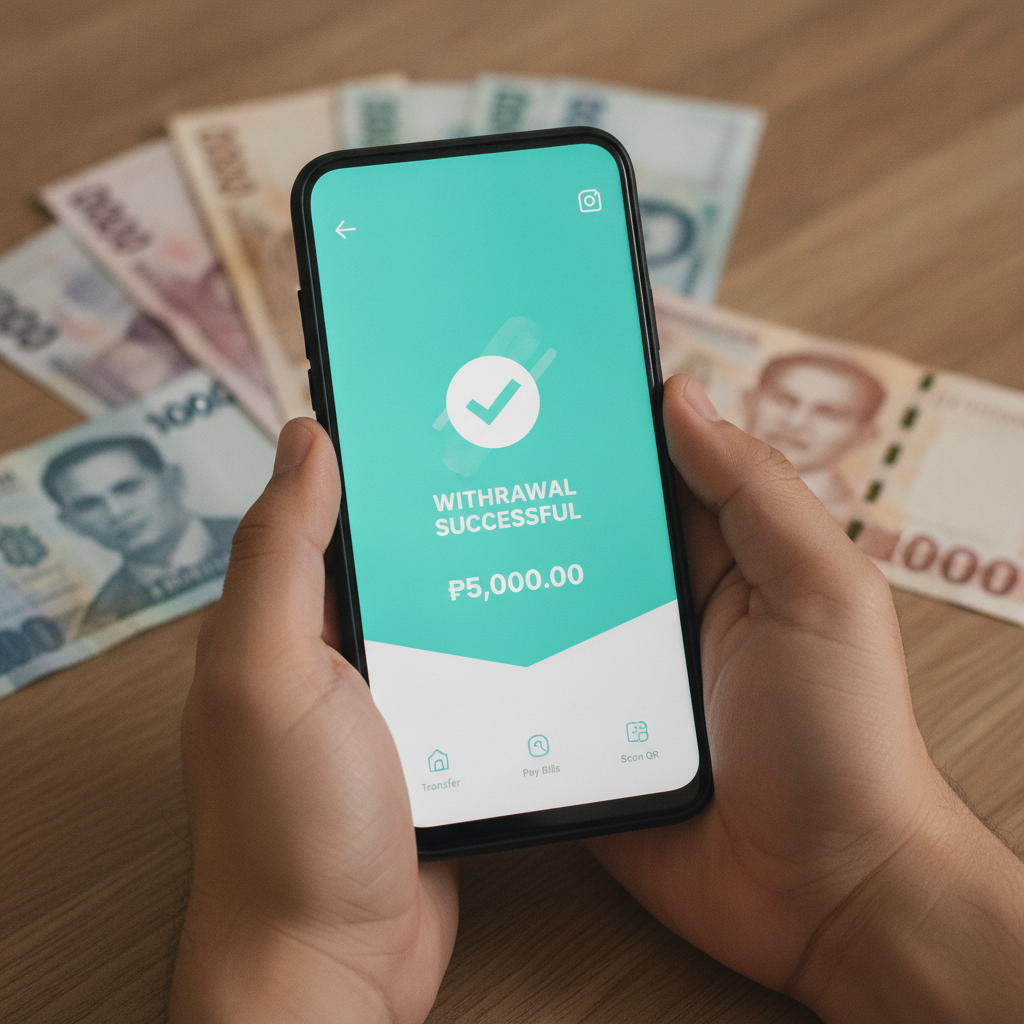
You should see an on-screen message confirming your withdrawal request has been received. JD TITAN may also send an SMS or in-app notification. Keep this reference number if provided—it helps when contacting support about delayed transactions.
GCash Withdrawal Processing Time
Typical processing window:
Most GCash withdrawals from JD TITAN are processed within 15 minutes to 2 hours during platform business hours. In practice, many players report funds arriving in their GCash wallet in under 30 minutes when the request is made between 9:00 AM and 9:00 PM Manila time.
After-hours and weekend requests:
Cashouts submitted late at night, early morning, or on weekends may queue until the next business day. While GCash itself operates 24/7, JD TITAN's finance team reviews and approves withdrawals during standard operating hours. Expect delays of up to 24 hours if you request a cashout on a Sunday evening or public holiday.
First-time withdrawal:
If this is your first GCash cashout from JD TITAN, additional verification steps may apply. The platform might ask you to upload a photo of your valid ID or confirm your GCash account ownership. This one-time check can add several hours—or up to one business day—to your processing time.
Bank or system maintenance:
Occasionally, GCash or JD TITAN undergoes scheduled maintenance. If you submit a withdrawal during a maintenance window, it will remain pending until systems are back online. Check both the JD TITAN announcements page and the official GCash app for any service advisories.
Daily and Per-Transaction Withdrawal Limits
JD TITAN imposes minimum and maximum amounts for GCash cashouts to manage liquidity and comply with e-wallet provider rules:
Minimum withdrawal:
The minimum GCash cashout is typically PHP 100. Amounts below this threshold will trigger an error message and cannot be processed.
Maximum per transaction:
Single GCash withdrawals are usually capped at PHP 50,000. If you need to withdraw more, you must split the amount into multiple transactions.
Daily withdrawal limit:
JD TITAN sets a rolling 24-hour limit, often in the range of PHP 100,000 to PHP 200,000 depending on your account status and history. VIP or high-volume players may have higher daily caps; contact customer support if you regularly hit the limit.
GCash receiving limits:
Remember that GCash itself has monthly receiving limits tied to your verification level:
- Unverified GCash: PHP 100,000 per month
- Fully Verified GCash: PHP 500,000 per month
If your GCash account is near its monthly cap, the incoming JD TITAN withdrawal may be rejected by GCash even if JD TITAN approves it. Check your GCash transaction history to confirm available receiving capacity.
Common GCash Cashout Errors and How to Fix Them
"Invalid GCash Number"
Cause:
The mobile number you entered does not match a registered GCash account, or you made a typo.
Fix:
Open your GCash app and confirm the exact 11-digit number displayed in your profile. Re-enter it carefully in the JD TITAN withdrawal form, ensuring no extra spaces or incorrect digits.
"Withdrawal Amount Below Minimum" or "Exceeds Maximum"
Cause:
Your requested amount falls outside the allowed range.
Fix:
Check the displayed limits on the withdrawal screen. Enter an amount between the minimum (usually PHP 100) and the per-transaction cap (typically PHP 50,000).
"Insufficient Balance"
Cause:
Your JD TITAN wallet does not hold enough funds to cover the withdrawal, or a bonus wagering requirement is still active and locking part of your balance.
Fix:
Review your wallet balance and any active promotions. If bonus funds are in play, you may need to complete the rollover requirement before cashing out. Navigate to the Promotions or Bonus section to see remaining wagering.
"Account Verification Required"
Cause:
JD TITAN needs to verify your identity or GCash ownership before releasing funds.
Fix:
Check your email or in-app messages for instructions. You'll typically upload a government-issued ID (driver's license, passport, or UMID) and a selfie. Some players are also asked to provide a screenshot of their GCash profile page showing the registered name and number. Submit the documents promptly; verification usually completes within 24 hours.
"Transaction Pending for More Than 24 Hours"
Cause:
High request volume, weekend backlog, or a red-flag review by the finance team.
Fix:
Contact JD TITAN customer support via live chat or the email address listed on the site. Provide your withdrawal reference number, the amount, and the date and time you submitted the request. Support can escalate the case or explain any hold reasons.
"GCash Wallet Limit Exceeded"
Cause:
Your GCash account has reached its monthly receiving cap.
Fix:
Wait until the next calendar month or upgrade your GCash verification level. Fully verified accounts have a higher limit. You can verify through the GCash app by submitting a valid ID.
Tips for Faster GCash Withdrawals
- Submit requests during business hours: Aim for weekday mornings or early afternoons to avoid overnight or weekend queues.
- Complete account verification early: Upload your ID and link your GCash number before you need to cash out, so your first withdrawal isn't delayed.
- Stay within standard limits: Large or unusual withdrawal amounts may trigger manual review. Smaller, regular cashouts process faster.
- Keep your GCash app updated: An outdated GCash version can cause receiving errors. Update via Google Play Store or the App Store.
- Double-check all details: A single-digit mistake in your GCash number will bounce the transaction and force you to start over.
Responsible Gambling Reminder
JD TITAN is intended for players aged 21 and over only. Gambling should be a form of entertainment, not a way to solve financial problems. Set deposit and loss limits before you play, and never wager money you cannot afford to lose.
If you feel your gaming is becoming difficult to control, reach out to local support organizations or use JD TITAN's self-exclusion and timeout tools. Take breaks, track your spending, and remember that outcomes are never guaranteed.
Summary:
Withdrawing to GCash from JD TITAN is straightforward—select GCash, enter your mobile number, specify the amount, and confirm. Most cashouts arrive within 15 minutes to 2 hours during business hours, with a typical minimum of PHP 100 and a maximum of PHP 50,000 per transaction. Watch for common errors like mismatched mobile numbers, unverified accounts, or hitting GCash's monthly receiving cap. By following the steps above and keeping your details accurate, you can move your winnings quickly and avoid unnecessary delays.