JD TITAN Withdrawal Pending or Failed: Troubleshooting and What to Do
JD TITAN Withdrawal Pending or Failed: Troubleshooting and What to Do
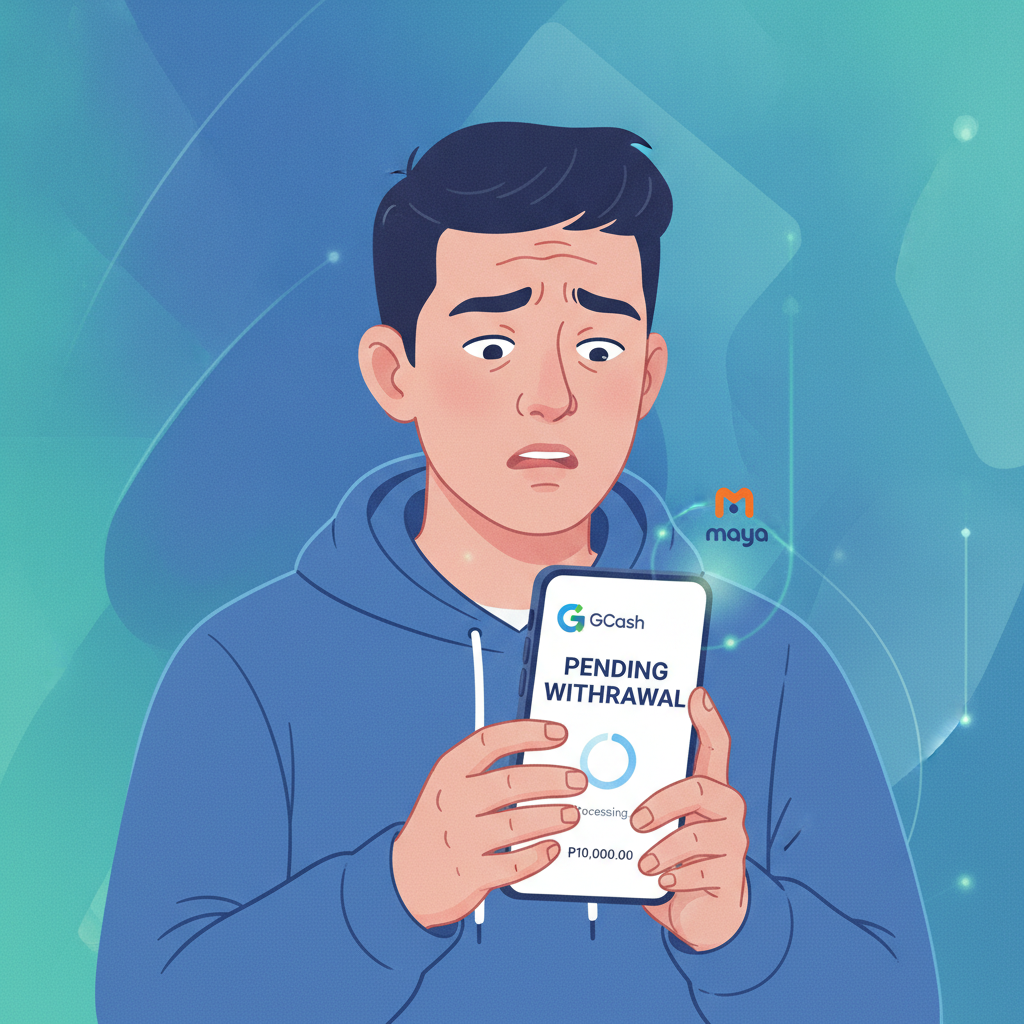
Waiting for a JD TITAN withdrawal to land in your GCash, Maya, or bank account can be stressful, especially when the status stays on "pending" longer than expected or switches to "failed." This guide walks through the most common reasons cashouts get delayed or rejected, how to check what's happening with your money, and the steps to take if your withdrawal doesn't go through.
21+ only. JD TITAN is for adult players. If you feel you're spending more time or money than you can afford, take a break and consider setting deposit or time limits in your account settings.
Why Your JD TITAN Cashout Might Be Stuck on 'Pending'
A "pending" withdrawal means JD TITAN has received your cashout request but hasn't yet approved or released the funds. Several routine checks happen behind the scenes before money leaves the platform:
Account verification review
If you haven't completed ID verification—or if JD TITAN's system flags a mismatch between your account name and the e-wallet or bank account you're withdrawing to—your cashout will wait in the queue until you upload a valid government ID and proof of your GCash, Maya, or bank account ownership.
Wagering requirement in progress
When you claim a bonus, free spins, or cashback, JD TITAN typically attaches a wagering condition. Until you meet that turnover total, the platform may hold withdrawal requests to ensure bonus terms are satisfied. Even if you think you've finished, rounding or excluded-game bets can leave a small balance of playthrough unmet.
First withdrawal or large amount
The first time you cash out, or if you request an unusually large sum compared to your deposit history, JD TITAN may apply extra scrutiny. This is standard practice across online casinos in the Philippines and usually adds 24–48 hours to processing.
Payment-method processing windows
GCash and Maya withdrawals often complete within a few hours during business days, but bank transfers over InstaPay or PESONet can take one to two banking days. If you submit a cashout request on a Friday evening or during a public holiday, the "pending" label may simply reflect the payment network's schedule rather than a problem on JD TITAN's end.
High platform volume
Peak betting periods—major PBA playoff games, NBA Finals, or weekend jackpot runs—can create a backlog in the finance queue. Your request joins the line and moves forward as staff work through approvals.
Common Reasons for Failed or Rejected Withdrawals
If your JD TITAN cashout switches from "pending" to "failed" or "rejected," the funds typically return to your casino wallet. Here's why withdrawals get declined:
Incomplete or mismatched verification
The name on your JD TITAN account must match the name on your GCash, Maya, or bank account exactly. A typo during registration, a nickname instead of your legal name, or using someone else's e-wallet will trigger an automatic rejection. JD TITAN cannot send money to a third-party account under Philippine regulations.
Outstanding bonus playthrough
Even a PHP 1 bonus with unfinished wagering requirements can block your withdrawal. Check the "Bonus" or "My Promotions" section of your account to confirm that all active offers show 0% or "completed." If playthrough remains, finish the required turnover on eligible games—usually slots—or forfeit the bonus to unlock cashouts.
Withdrawal amount below the minimum
JD TITAN sets a minimum cashout threshold, often PHP 100 or PHP 200 depending on the payment method. If your balance is below that floor, the system will reject the request. Accumulate a bit more through play or deposits, then try again.
Exceeded daily or weekly limit
The platform enforces maximum withdrawal caps per day and per week. Standard accounts might see daily limits around PHP 10,000–50,000, while VIP tiers enjoy higher ceilings. If you've already cashed out once today and hit the cap, a second request will fail until the limit resets.
Incorrect e-wallet or bank details
A single wrong digit in your GCash mobile number, Maya account ID, or bank account number will cause the transaction to bounce. Double-check every character before submitting. Some players accidentally enter an old number or a family member's details; the cashout will fail and funds return to your JD TITAN wallet within 24 hours.
Duplicate or multiple simultaneous requests
Submitting more than one withdrawal for the same amount, or trying to cash out while another request is still processing, can confuse the system. Cancel duplicate requests in the "Transactions" or "Withdrawal History" menu, then resubmit a single cashout.
Account flagged for review
Unusual betting patterns, multiple accounts from the same device, or disputed chargebacks can freeze withdrawals while JD TITAN investigates. This is rare for typical players but becomes more common if you've shared login credentials or used a VPN inconsistently.
How to Check Your Withdrawal Status in the App
JD TITAN's Android app and mobile site both offer a transaction log where you can monitor cashout progress:
- Log in to your JD TITAN account and tap the menu icon (three horizontal lines) or your profile avatar.
- Navigate to "Wallet," "Transactions," or "Withdrawal History"—the exact label varies by app version.
- Locate your pending cashout in the list. You'll see the date, amount, payment method (GCash, Maya, InstaPay, PESONet), and current status: Pending, Processing, Approved, Completed, or Failed.
- Tap the transaction for more detail. If the status reads Failed or Rejected, a short note may explain why—"Verification required," "Bonus playthrough incomplete," or "Invalid account details."
If the status remains Pending beyond the advertised timeframe (typically 24 hours for e-wallets, 48 hours for bank transfers), and there's no error message, it's time to reach out to support.
When and How to Contact JD TITAN Support About a Delayed Cashout
Most pending withdrawals clear within the expected window once verification and wagering checks pass. Contact JD TITAN support if:
- Your GCash or Maya cashout shows "pending" for more than 24 hours on a business day.
- Your InstaPay or PESONet bank withdrawal stays pending beyond 48 hours after submission.
- The status flipped to "failed" with no clear explanation in the transaction detail.
- You've uploaded ID documents and still see a verification hold after 48 hours.
- Funds left your JD TITAN wallet but never arrived in your e-wallet or bank account.
Live chat
Open the JD TITAN app or mobile site, tap the floating chat icon (often in the bottom-right corner), and type your issue. Have your registered mobile number, transaction ID, and withdrawal amount ready. Live chat typically runs daily from mid-morning to midnight Philippine time and offers the fastest response.
Email
Send a message to JD TITAN's support address (usually listed in the app footer under "Contact Us"). Include your account username, registered mobile number, the date and amount of the cashout, and a screenshot of the transaction history if possible. Expect a reply within 24–48 hours.
In-app ticket or help form
Some versions of the JD TITAN app include a "Help" or "Support Ticket" section where you can submit a formal request. This method is slower than live chat but useful for attaching multiple screenshots or documents at once.
What to avoid
Do not create multiple accounts to bypass a withdrawal hold; this violates terms of service and will result in both accounts being locked. Likewise, disputing a GCash or Maya transaction before the platform has had a chance to investigate can complicate resolution and delay your money further.
Preventing Future Withdrawal Issues
Once your current cashout clears, a few proactive steps will help you avoid repeats:
- Complete verification early: Upload a clear photo of your government ID (driver's license, passport, or UMID) and a selfie holding the ID as soon as you register. This removes the biggest cause of delays.
- Use the same e-wallet or bank account every time: Switching between GCash, Maya, and bank transfers mid-month can trigger additional checks. Pick one primary method and stick with it.
- Read bonus terms before claiming: If you prefer fast, hassle-free withdrawals, skip high-wagering promotions or only claim offers you know you can complete.
- Keep your account details up to date: If you change your GCash number or switch banks, update your JD TITAN profile immediately in the "Account Settings" or "Payment Methods" section.
- Stay within daily and weekly limits: Check your current tier's cashout caps in the app's FAQ or VIP page, and plan larger wins across multiple days if needed.
A stuck or rejected JD TITAN withdrawal is almost always fixable. Verify your identity, confirm wagering requirements are met, double-check e-wallet or bank details, and give the payment network its full processing window. If the problem persists beyond the standard timeframe, live chat or email support can trace the transaction and resolve account-level blocks. Most cashouts complete smoothly once these common pitfalls are addressed.
Play responsibly. Only wager money you can afford to lose, and reach out for help if gambling stops being fun.